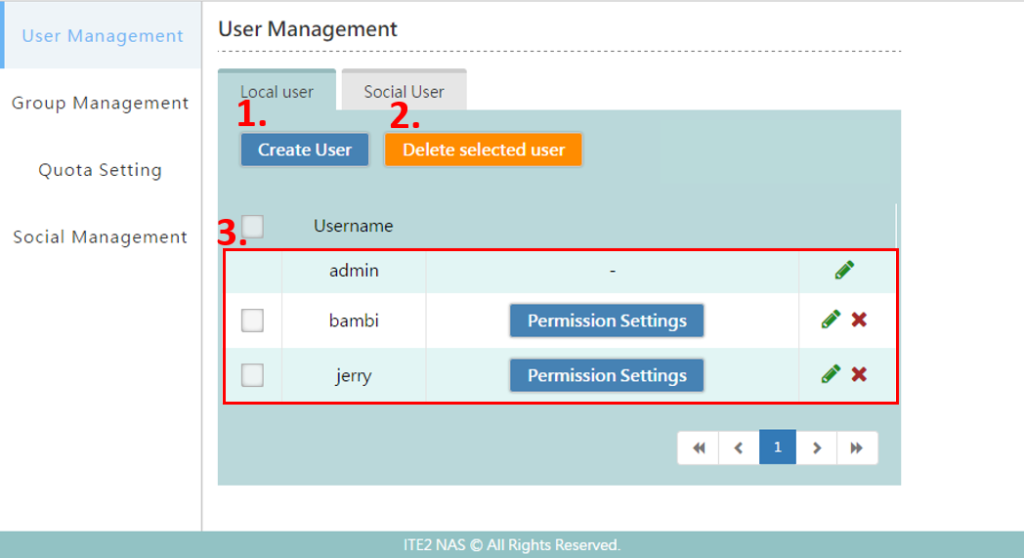
On User Management page, You can create, delete, edit and setting permission to each Local Users and Social Users.
Create User
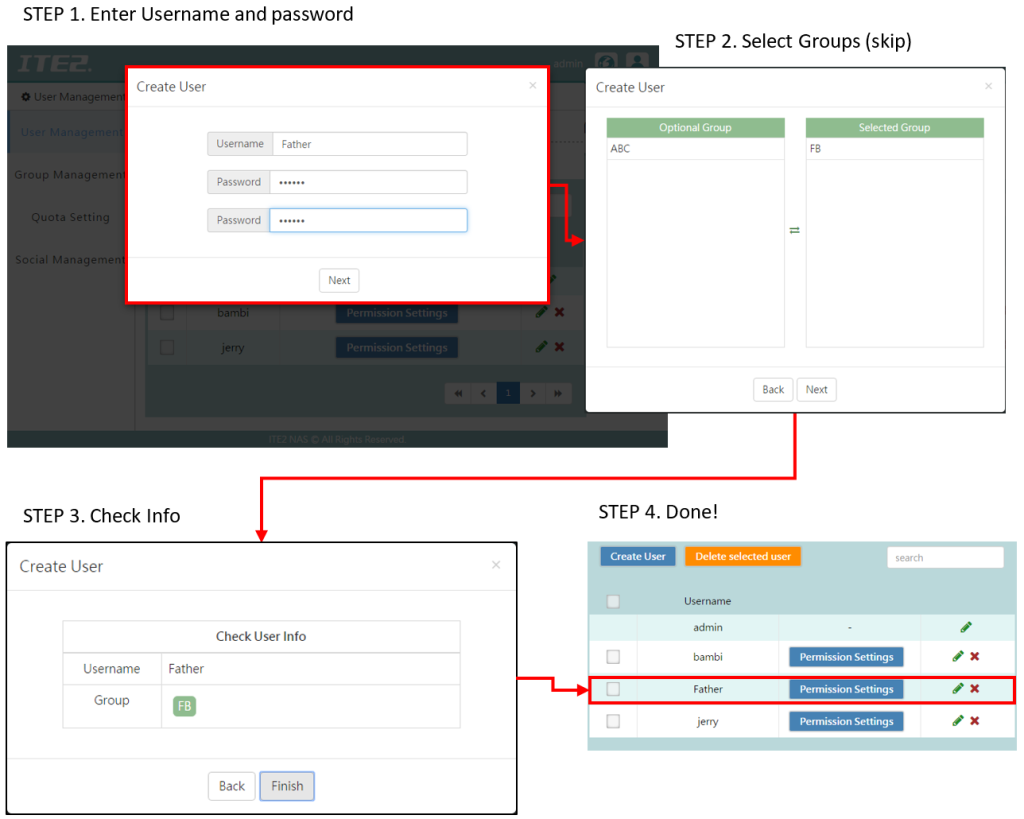
You can create a user for the person you share with, such as family, friends, and co-workers. Click [Create User] and create the username and password. Click [Next] and add this user to the groups(optional). Then, click [Finish] to complete the user creation.
Delete selected user
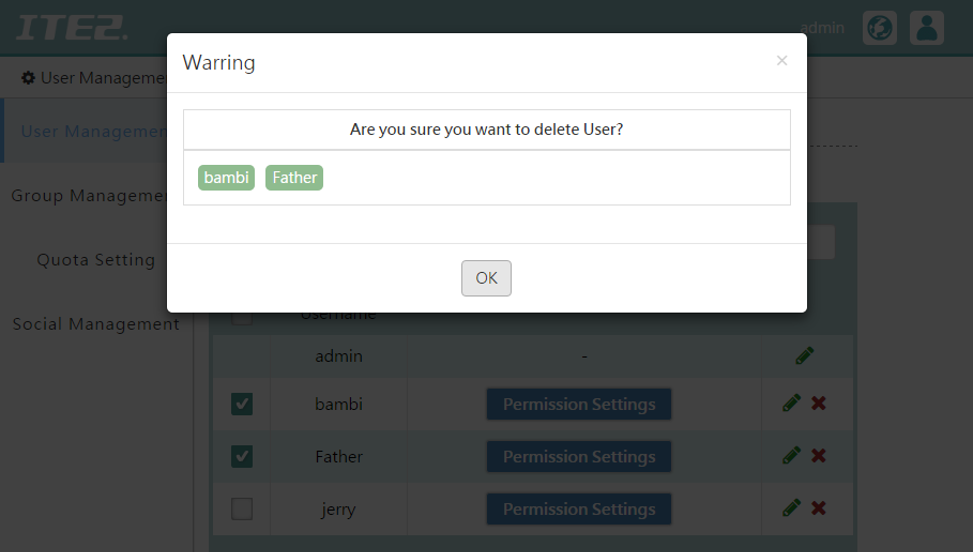
You can select the user you want to delete and click [Delete selected users].
(*When you deleted that user, the home space data of that user will also be deleted).
3. User list
Review/Edit all the users and users’ permissions in this NAS.
●Permissions settings: Define the permissions of each user. You can check user permission settings. The following image is the permission settings list.
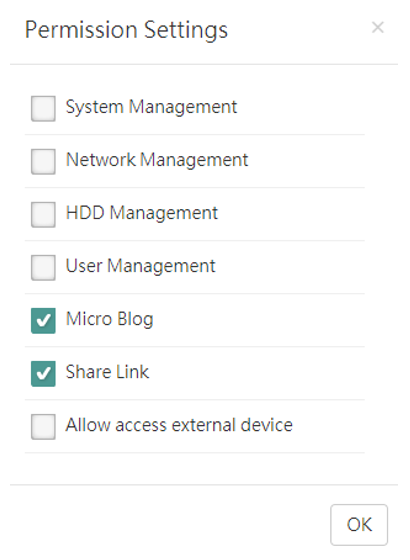
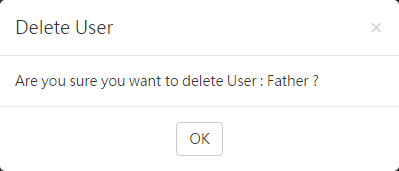
●Delete user: If you want to delete a user, you can click  button directly, and it should pop up a message window, click [OK] to confirm the deletion.
(*When you deleted that user, the home space data of that user will also be deleted)
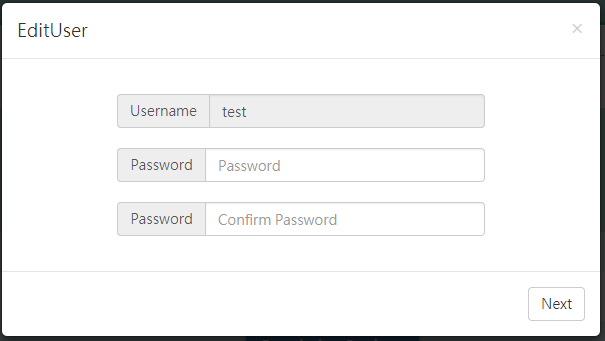
●Edit user: If you want to change the user password and groups, you can click  button to go to the [EditUser] to revise the content.